By SocialStatsIQ Editorial Team
Snapchat Plus: Plans, Features, Price and How to Cancel
Snapchat+ comes in four plans with 40+ features. Here's what each plan adds, who it's worth it for, how to check the price where you live, and how to cancel without losing access early.
Reviewed by Ihtsham Akram · Facts checked against Snapchat Support on October 28, 2026
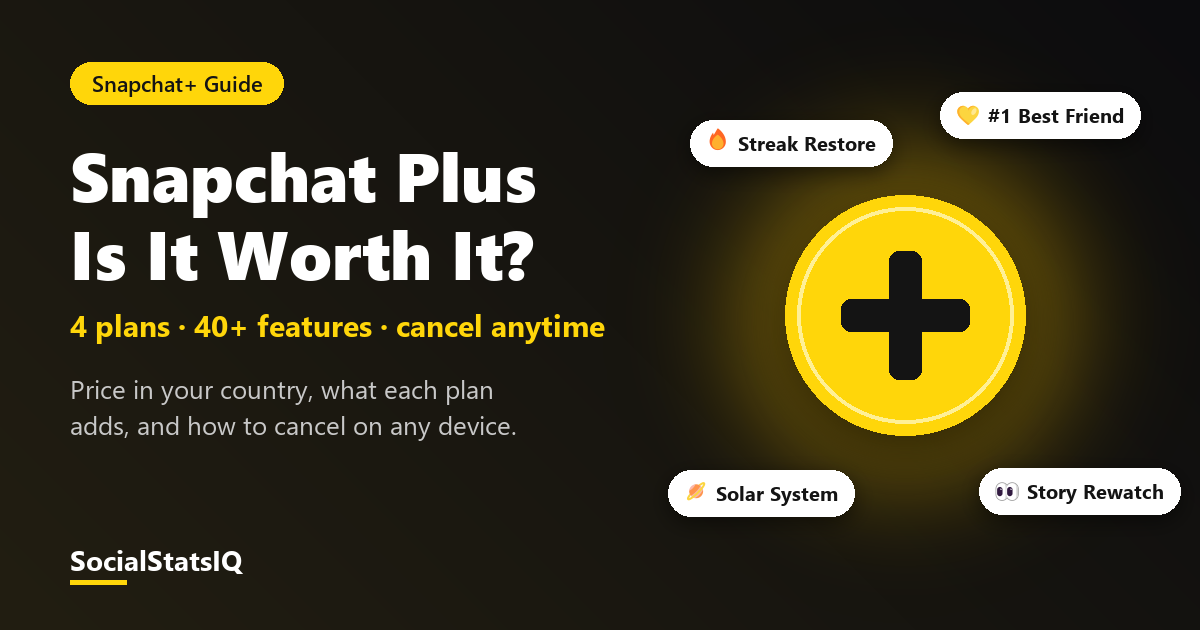
Snapchat Plus (Snapchat+) is Snapchat's paid subscription. It unlocks 40+ exclusive, experimental and early-access features, such as pinning a #1 Best Friend, restoring a broken Streak, rewatching Stories and seeing Best Friends planets. It comes in four plans, and the price depends on your country and device, so the only reliable price is the one shown in your app.
How much is Snapchat Plus?
Snapchat doesn't publish one global price. Its help center says pricing varies by country and device. To see yours:
- Open Snapchat and go to your Profile.
- Tap the gear icon for Settings.
- Tap Snapchat+ to see the plans and prices for your account.
For reference, Snapchat+ launched in 2022 at $3.99 a month in the US. Treat that as history, not today's price. The App Store or Google Play shows the exact price and renewal terms before you confirm.
Snapchat Plus plans compared
| Plan | What you get | Memories storage | Ads |
|---|---|---|---|
| Snapchat+ (monthly or yearly) | 40+ exclusive features | About 250GB | Standard ads |
| Family Plan | Snapchat+ for you plus 2 more people | 250GB for each member | Standard ads |
| Lens+ (monthly) | Snapchat+ features plus exclusive Lenses and AI features | Same as Snapchat+ | Standard ads |
| Platinum (monthly) | Everything in Lens+, with a bigger AI Lens allowance | 5TB | No Story or Lens ads |
Lens+ and Platinum are rolling out slowly and may not be offered where you live. They also can't be bought through a web subscription, only in the app.
If you only want more space for saved Snaps, there's also a Memories-only storage plan (100GB), which doesn't include Snapchat+ features. See is Snapchat deleting Memories? for what happens to Memories over the free 5GB.
Snapchat Plus features worth knowing
Snapchat lists 34 named features. These are the ones people search for most:
| Feature | What it does |
|---|---|
| #1 Best Friend | Pin one friend as your #1 Best Friend |
| Solar System | See which planet you are in a friend's Best Friends list |
| Streak Restore | Restore a Streak that ended |
| Story Rewatch | See how many friends rewatched your Story |
| Story View Notifications | Get notified about views on your Story |
| Extended Best Friends List | See more Best Friends than the standard list |
| Custom App Icon and Themes | Change Snapchat's icon and colours |
| Chat Wallpapers and Custom Chat Colors | Personalise chats |
| Custom Story Expiration | Choose how long a Story stays up |
| Snapchat+ Badge | Show that you subscribe |
| AI Captions and AI Creative Tools | Generate captions and AI edits |
The Solar System is off by default for new subscribers. Turn it on in the Snapchat+ feature settings. Our Snapchat Planets Decoder explains what each planet means.
Is Snapchat Plus worth it?
| If you… | Verdict |
|---|---|
| Mostly care about Streaks | Probably worth it. Streak Restore alone saves long Streaks. |
| Want to see who rewatches your Stories | Worth it. Story Rewatch is subscriber-only. |
| Have years of Memories | Compare it with the cheaper Memories-only storage plan first |
| Hate ads | Only Platinum removes Story and Lens ads, and only in the app |
| Want to share the cost | The Family Plan covers you plus 2 people |
| Just want a different app icon | Probably not worth paying for |
How to tell if someone has Snapchat Plus
Subscribers can show a Snapchat+ badge on their profile. If you see it, they subscribe. If you don't, they may still subscribe and simply not display it. Other features, like pinned #1 Best Friends, are only visible to the subscriber, so you can't spot those from outside.
How to cancel Snapchat Plus
Cancel where you subscribed. Deleting the app does not cancel the subscription.
| Subscribed via | How to cancel |
|---|---|
| iPhone or iPad (App Store) | Settings > your name > Subscriptions > Snapchat+ > Cancel. Cancel a free trial at least 24 hours before it ends. |
| Android (Google Play) | Play Store > profile > Payments & subscriptions > Subscriptions > Snapchat+ > Cancel |
| Web | Sign in at snapchat.com > Accounts > My Subscription > cancel |
What happens after you cancel?
- App Store or Google Play: you keep Snapchat+ until the end of the period you've paid for, then it stops renewing. Refunds for app purchases are handled by Apple or Google, not Snapchat.
- Web, in the US: the subscription stops renewing and you keep access until the end of the paid period. Snapchat gives no refund for the unused part.
- Web, in the UK and Europe: cancel within 14 days of a charge for a prorated refund (paid within 7–10 business days). Snapchat+ access ends once you're refunded. Cancel after 14 days and there's no refund, but it won't renew.
- Family Plan: if the main subscriber switches or cancels, the other members lose Snapchat+.
FAQ
Does Snapchat Plus remove ads?
Only the Platinum plan removes Story and Lens ads. Even Platinum still shows sponsored places and My AI responses, and standard Snapchat+, Family and Lens+ show the usual ads.
Can I gift Snapchat Plus?
Yes. Gift Snapchat+ is one of the listed features. Snapchat+ can also be shared through the Family Plan with up to 2 other people.
Does Snapchat Plus include extra Memories storage?
Yes. Snapchat+ includes about 250GB of Memories storage, compared with 5GB free, and Platinum includes 5TB.
Can I buy Lens+ or Platinum on the web?
No. Snapchat says Lens+ and Platinum aren't available through web subscriptions. Subscribe in the app if they're offered in your region.
Decode the icons you see in Snapchat with our Snapchat Symbols & Slang Decoder.
Sources: Snapchat Support: What is Snapchat+?, What Snapchat+ plans are available?, What is the Snapchat+ Platinum Monthly Plan?, How do I manage my Memories storage?, Refunds for Snapchat+, Subscribe to Snapchat+ on the web; Snap Newsroom: Introducing Snapchat+ (checked October 28, 2026).