By SocialStatsIQ Editorial Team
Is Snapchat Deleting Memories? What Actually Changes in January 2027
Snapchat isn't deleting Memories, but from January 2027 older ones outside your free 5GB get archived. Check which of yours are affected, and how to save them all for free.
Reviewed by Ihtsham Akram · Facts checked against Snapchat Support on October 28, 2026
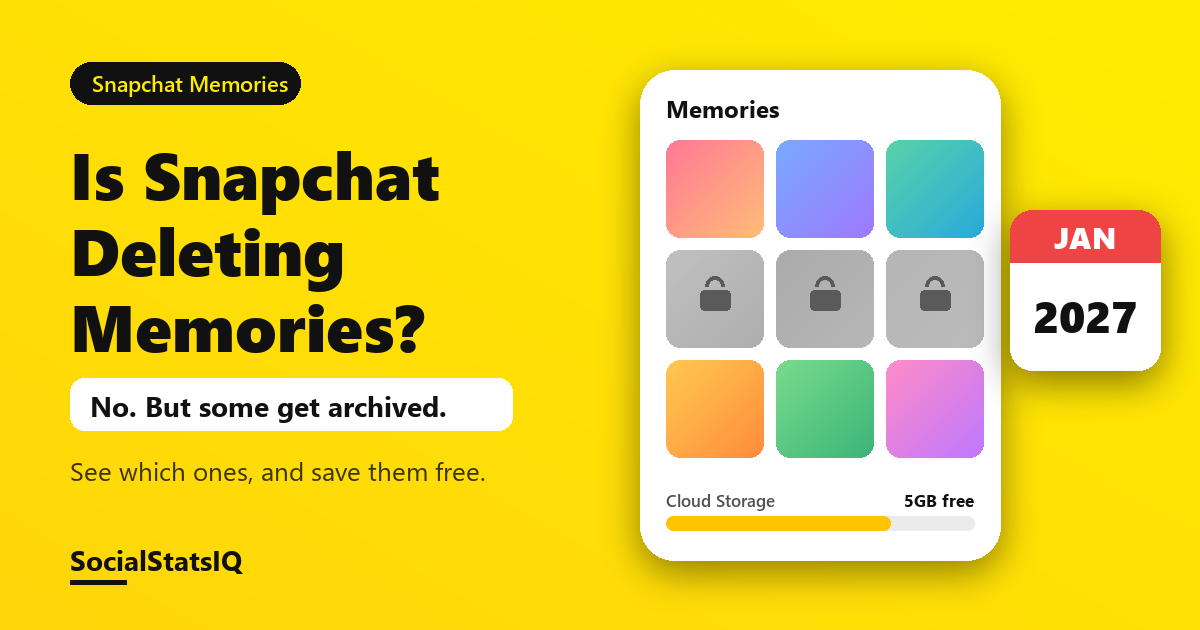
Is Snapchat deleting Memories? No. Snapchat Support states that it will not automatically delete your Memories because you don't buy a storage plan. What does change: from January 2027, some older Memories on accounts using more than the free 5GB will be archived. They stay on Snapchat, but you have to upgrade, or download them, to open them.
If you have a lot of saved Snaps, the safest move costs nothing: download them now.
Is Snapchat deleting Memories?
Snapchat's rules, in three points:
- Free storage is 5GB. Anything above that needs a storage plan, or a download.
- Nothing is deleted for not paying. Snapchat says this directly in its help center.
- From January 2027, some older Memories are archived on accounts above 5GB, with advance notice in the app before anything changes for you.
Archived isn't deleted. An archived Memory still exists on Snapchat. You just can't open, edit or share it without a storage plan, unless you download it.
Which Memories get archived in January 2027?
Snapchat splits your Memories into three groups. Only one group gets archived.
| Your Memory is… | What happens in January 2027 | You can still open it? |
|---|---|---|
| Saved within the last 12 months | Stays fully available | Yes |
| Part of your oldest 5GB | Stays fully available | Yes |
| More than a year old and not in your oldest 5GB | Archived (shown as a thumbnail) | Only with a plan, or after downloading |
Example: 12GB of Memories
Illustrative numbers. Say you have 12GB of Memories saved since 2017:
- Your oldest 5GB (roughly 2017–2019): stays available.
- The last 12 months (2GB): stays available.
- Everything in between (5GB, roughly 2019–2025): archived.
So the Memories most at risk of becoming hard to reach are your middle years, not your newest or very oldest ones. If those matter to you, download them first.
Why did people think Snapchat was deleting Memories?
The story changed after Snapchat's first announcement, and older articles never updated.
| When | What was said |
|---|---|
| September 26, 2025 | Snap announced Memories storage plans: 5GB free, paid plans above that, and 12 months of temporary storage for people already over 5GB |
| October 2025 | Some coverage reported that, without a plan, over-limit Memories would be removed to fit the cap |
| Current Snapchat Support page | No automatic deletion for not upgrading. Archiving of older Memories outside your oldest 5GB from January 2027, with in-app notice first. |
If an article tells you Snapchat will delete your Memories, check its date. The current help page is the one to trust.
What happens to archived Memories?
According to Snapchat Support, archived Memories:
- Stay stored on Snapchat. They're not removed.
- Appear as thumbnails in your Memories.
- Need an upgrade to open, edit or share, or you can download them to view outside the app.
How to check your Snapchat Memories storage
- Open My Account (your profile).
- Tap the gear icon to open Settings.
- Scroll to My App and tap Memories.
- Check your usage under Cloud Storage.
You'll also see an upgrade prompt when you open Memories, or try to save a Snap, while over the limit.
How to download all your Snapchat Memories for free
There are two free ways. Use the first for a few favourites and the second for everything.
Method 1: Export from the app
- Swipe up from the Camera screen to open Memories.
- Press and hold a Snap, or tap the select icon at the top and choose several.
- Tap Export and save them to your camera roll.
Method 2: Download all Memories with My Data
- Go to accounts.snapchat.com and log in, or open Settings > My Data in the app.
- Under the data to include, switch on Export your Memories.
- Click Request Only Memories.
- Choose the date range (all time, for everything) and confirm your email address, then submit.
- When Snapchat emails you, open See exports and click Download.
- Unzip the file and open index.html in a browser.
- Click Memories in the left menu to download them one by one, or all at once.
Bigger date ranges take longer to prepare, so request your export well before January 2027.
Snapchat Memories storage plans and prices
| Plan | Memories storage | US price (varies by market) |
|---|---|---|
| Free | 5GB | $0 |
| Memories storage plan | 100GB | $1.99/month or $20/year |
| Snapchat+ | About 250GB | Snapchat+ subscription |
| Lens+ | Same as Snapchat+ | Lens+ subscription |
| Snapchat+ Platinum | 5TB | Platinum subscription |
Prices vary by country and currency and can change, so check the price shown in your app before you subscribe.
Should you pay for storage or download?
| If you… | Best option |
|---|---|
| Are under 5GB | Nothing to do now. Check again occasionally. |
| Want to keep scrolling old Memories in the app | A storage plan |
| Mainly want your photos and videos safe | Download everything with My Data (free) |
| Already pay for Snapchat+ | You may already have about 250GB. Check Cloud Storage first. |
| Aren't sure | Download first. It's free and you can still buy a plan later. |
My Memories are already missing. Is this why?
Probably not. Snapchat says no Memories will be archived before January 2027, so Memories missing today have another cause, such as a backup that didn't finish or being logged in to a different account. Start with Snapchat Support's My Snapchat Memories are missing and My Snapchat Memories won't back up articles.
FAQ
Will Snapchat delete my Memories if I don't pay?
No. Snapchat Support says it won't automatically delete your Memories because you don't upgrade. Older Memories outside your oldest 5GB may be archived from January 2027.
When is Snapchat deleting Memories?
It isn't. The date to know is January 2027, when archiving can start for accounts over 5GB. Snapchat says it will warn you in the app before anything changes for your account.
Can I still see archived Memories?
You'll see them as thumbnails. To open, edit or share one, you need a storage plan, or you can download your Memories and view them outside the app.
How do I download all my Snapchat Memories at once?
Use My Data at accounts.snapchat.com: switch on Export your Memories, choose Request Only Memories, then download the file from See exports when Snapchat emails you.
Looking for more Snapchat help? Find out what your friend's planet means with our Snapchat Planets Decoder. If you post on Snapchat as a creator, see how to make money on Snapchat.
Sources: Snapchat Support: How do I manage my Memories storage?, How do I download my data from Snapchat?; Snap Newsroom: Introducing Memories Storage Plans (checked October 28, 2026).