By SocialStatsIQ Editorial Team
How to Win a YouTube Reused Content Appeal: The 5-Minute Video Formula
Master the 5-minute YouTube video appeal formula for reused content. Script breakdown, screen recording proof, and timeline tips reviewers require.
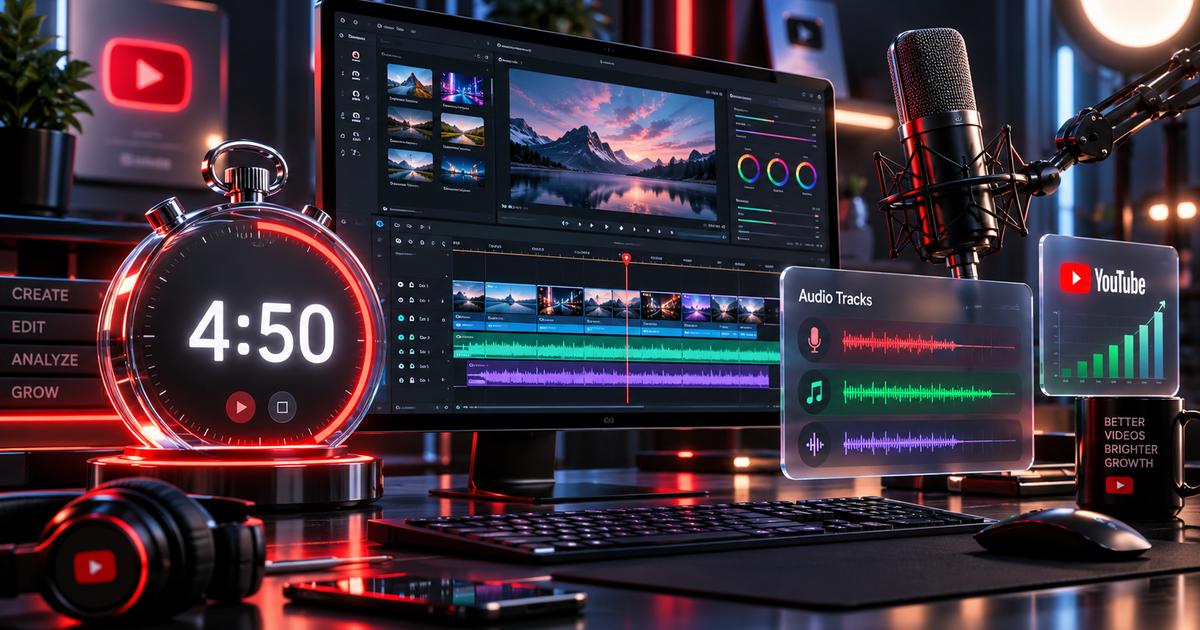
Receiving an email stating that your channel has been suspended or rejected from the YouTube Partner Program (YPP) for "Reused Content" is devastating. YouTube gives you a strict 14 or 21-day window to submit a 5-minute appeal video to have human policy examiners re-evaluate your channel.
Unfortunately, over 70% of video appeals are rejected within 48 hours.
The reason? Creators misunderstand what YouTube's human reviewers are evaluating. Most creators waste 4 minutes reading copyright fair use statutes, displaying commercial stock music licenses, or complaining about automated AI mistakes.
YouTube reviewers do not care about copyright licenses during a Reused Content appeal. They want to see unmistakable physical proof of your creative process—specifically, how you personally film, write, voice, and edit your videos.
This guide provides the exact second-by-second script structure, technical upload parameters, and screen-recording checklist to win your appeal and restore channel monetization.
1. Technical Requirements for the 5-Minute Appeal Video
YouTube enforces strict technical constraints on appeal videos. Violating a single technical parameter results in automatic disqualification without review:
| Requirement Parameter | Strict Rule | Fatal Mistake to Avoid |
|---|---|---|
| Video Duration | Strictly under 5 minutes (e.g., 4:45 to 4:55) | Exceeding 5:00 by even one second (automatic rejection) |
| Visibility Setting | Unlisted | Setting to Public or Private |
| Channel Location | Uploaded to the exact channel being appealed | Uploading to a secondary backup channel |
| Description Box | Must be 100% BLANK | Writing appeal arguments or license keys in description |
| Spoken Language / Audio | Supported language or hardcoded English subtitles | Relying on auto-generated YouTube captions |
| Video Deletion Rule | DO NOT delete any videos prior to appeal | Deleting videos resets review and cancels appeal eligibility |
2. What YouTube Reviewers Actually Look For
YouTube's internal policy guidelines instruct human examiners to answer three core questions within the first 3 minutes of your appeal:
- Who is the human creator? (Can they verify you are an authentic human producing this content rather than an automated content scraper?)
- Where was the content produced? (Can you show the raw source files, script drafts, camera gear, and voice recording setup?)
- How does transformation occur? (Can you open your video editing timeline and demonstrate how you transform third-party or stock footage into a unique educational or entertaining narrative?)
3. The Second-by-Second 5-Minute Appeal Script Structure
To ensure your appeal passes human review, organize your video into four distinct segments:
Segment 1: Channel Identity & URL (0:00 – 0:30)
Reviewers handle hundreds of appeals daily. Start with complete clarity:
- Display your Channel Name and full Channel URL (`youtube.com/@YourHandle`) on the screen.
- State your name clearly:
> *"Hello YouTube Review Team. My name is [Your Name], creator of [Channel Name]. I am submitting this appeal to address the Reused Content notification received on [Date]. In this video, I will walk you through my entire production workflow, demonstrating that every video on this channel is an original creative work authored and edited by me."*
Segment 2: Hardware, Recording & Script Proof (0:30 – 2:00)
Show your physical and digital workstation:
- Show Your Face: Appear on camera or hold your phone to record your desk setup.
- Show Your Recording Gear: Point your camera at your microphone, camera, lighting, and recording software (e.g., OBS, Audacity).
- Display Script Documents: Open Google Docs, Word, or Notion. Scroll through your original written scripts, research notes, and video outlines. Highlight timestamps and editing notes.
- Play Raw Voiceover Files: Open your audio workstation and play 5 seconds of unedited, raw vocal tracks with your natural voice.
Segment 3: The Video Editing Timeline Walkthrough (2:00 – 4:15)
This is the single most critical segment of the entire appeal. Open your editing software (Adobe Premiere Pro, DaVinci Resolve, Final Cut Pro, or CapCut Desktop):
- Select 2 to 3 Representative Videos: Open the project files for your most popular or recent uploads.
- Walk Through the Timeline Layers:
- Point out Video Track 1: Your primary B-roll or visual elements.
- Point out Video Track 2 & 3: Custom text overlays, keyframed zooms, lower thirds, and animated motion graphics created by you.
- Point out Audio Track 1: Your original recorded voiceover track.
- Point out Audio Track 2: Background music ducked beneath your voice. - Demonstrate Transformation:
- Show a raw third-party clip or stock snippet *before* editing.
- Play the final rendered segment showing how your cuts, pacing, color grading, and voiceover completely transformed the context.
- Explain your editorial intent: *"Here, I took a 4-second historical clip and added an analytical voiceover, a custom zoom, and on-screen statistical data to explain the event to my audience."*
Segment 4: Professional Conclusion (4:15 – 4:50)
- Reiterate your channel's unique value to the YouTube community.
- Keep your tone objective, professional, and appreciative of the review team's time:
> *"Thank you for taking the time to review my production workflow. I respect YouTube's policies to maintain high-quality content for advertisers, and I look forward to continuing as an active partner in the YouTube Partner Program."* - End the video at approximately 4 minutes and 45 seconds.
4. Appeal Video Asset Allocation Checklist
| Video Timestamp | Visual Asset On Screen | Narration Objective |
|---|---|---|
| 0:00 – 0:25 | Full Channel URL + Studio rejection banner | Confirm channel identity immediately |
| 0:25 – 1:15 | Creator on camera + microphone & desk setup | Humanize the channel; prove authentic creator |
| 1:15 – 2:00 | Screen capture of written scripts & raw audio | Prove original research and vocal recording |
| 2:00 – 3:15 | Video Editor Timeline #1 (Recent major upload) | Show multi-layer editing, cuts, and original audio |
| 3:15 – 4:15 | Video Editor Timeline #2 (Secondary upload) | Demonstrate consistent transformation across videos |
| 4:15 – 4:45 | Return to creator face or clean branded outro | Professional closing statement; keep under 5:00 |
5. The Top 4 Fatal Mistakes That Cause Instant Denial
- Arguing Copyright Law / Fair Use: Reviewers are assessing the YouTube Partner Program Monetization Guidelines, not adjudicating a federal DMCA lawsuit. Explaining fair use doctrine guarantees rejection.
- Uploading Third-Party Stock Licenses: Having a commercial license from Storyblocks, Envato, or Epidemic Sound proves you have the legal right to use an asset—it does not prove you added sufficient transformative value to qualify for monetization.
- Putting Arguments in the Description: YouTube explicitly instructs reviewers to ignore video descriptions. If you type your appeal explanation into the text box, examiners will not read it.
- Submitting a Slideshow / AI Voiceover for the Appeal: Creating an appeal video that uses an AI voiceover or static slides to appeal a reused content flag reinforces the reviewer's suspicion that your channel is automated.
6. Frequently Asked Questions (PAA)
What should I include in a YouTube 5-minute appeal video?
Your appeal video must include your channel URL in the first 30 seconds, your face or clear voiceover explaining your workflow, proof of original scripts and research, and an active screen recording of your video editing timeline (showing multi-layer video tracks, original voiceover layers, and custom motion graphics).
Can I show my face or is voiceover enough for an appeal video?
While YouTube guidelines allow a clear human voiceover without a camera, channels that feature the creator's face on camera in the first 60 seconds have significantly higher approval rates. Showing your face and speaking naturally instantly eliminates concerns that the channel is an automated bot farm.
Why did my YouTube video appeal get rejected?
Appeals are routinely rejected if the video exceeds 5 minutes, if the video description contains text, if videos were deleted prior to submission, or if the creator argued copyright permissions rather than proving original editorial and production transformation.
Does having a commercial license prevent reused content rejection?
No. Commercial licenses grant legal permission to avoid copyright strikes, but they do not exempt a channel from the YouTube Partner Program's Reused Content policy. YouTube requires significant original commentary, analysis, or unique editing beyond simply licensing third-party assets.