By SocialStatsIQ Editorial Team
YouTube Community Guidelines Warning vs. Strike: Policy Training Expiry and Account Standing Playbook
Got a YouTube community guidelines warning? Learn how policy training expires warnings after 90 days, strike penalty escalation, and channel defense.
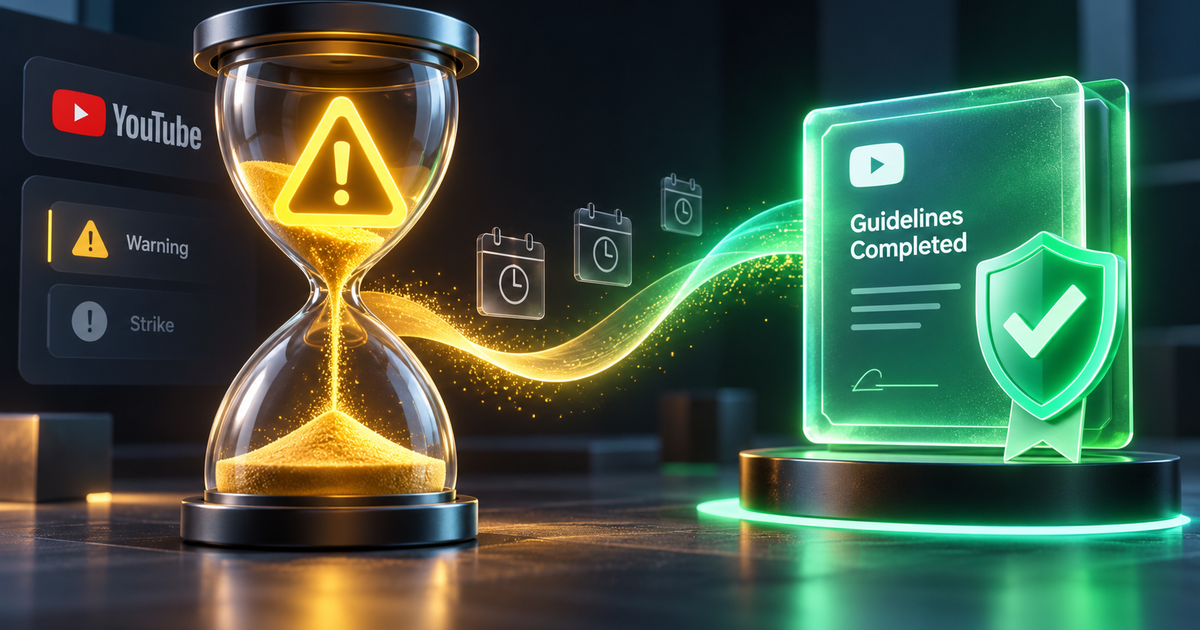
You log into YouTube Studio and an urgent red alert freezes your screen: "Your channel received a Community Guidelines warning."
For years, receiving a warning on YouTube felt like carrying a permanent criminal record. Under YouTube's old system, your first violation resulted in a lifetime warning that stayed on your channel banner forever, leaving creators anxious that their next minor misstep would trigger an immediate strike.
Fortunately, YouTube introduced a major policy update: The Policy Training System.
Creators can now take an interactive, in-Studio educational training module that allows a Community Guidelines warning to fully expire after 90 days, completely restoring your account to clean standing.
However, if you do not understand the critical differences between a Warning, Strike 1, Strike 2, and Strike 3—or if you violate the same policy during the 90-day cooldown—your channel can face upload bans, monetization loss, or permanent termination.
This guide provides the complete escalation roadmap, explains how to trigger and complete the Policy Training module, and details how to defend your account standing.
1. Warning vs. Strike: The Escalation Ladder
YouTube Community Guidelines govern content safety—including spam, dangerous activities, hate speech, harassment, misinformation, and sexual content. (Note: These are completely separate from copyright infringement).
YouTube enforces a 4-tier disciplinary ladder:
The Disciplinary Escalation Matrix
| Enforcement Tier | Video Penalty | Channel Restrictions | Expiration Timeline |
|---|---|---|---|
| Warning | Flagged video removed | Zero channel restrictions (Can upload, stream, post) | Expires in 90 days if Policy Training is completed |
| Strike 1 | Flagged video removed | 1-week complete freeze: Cannot upload, stream, post Stories, or edit thumbnails | 90 calendar days from date of issuance |
| Strike 2 | Flagged video removed | 2-week complete freeze: Cannot upload or stream for 14 days | 90 calendar days from date of issuance |
| Strike 3 | All videos removed | Permanent Channel Termination: Account deleted; banned from creating future channels | Permanent |
2. How the 90-Day Policy Training System Works
Previously, warnings remained on an account permanently. Under the updated system, YouTube gives creators a clear pathway to clear their record through interactive micro-learning.
Key Rules of Policy Training:
- The 90-Day Clock Starts on Completion: The 90-day countdown does not start on the day you received the warning. It begins on the exact date you successfully complete the Policy Training module.
- Policy-Specific Safeguard: If you complete training for *Harassment*, that specific warning expires in 90 days.
- What Happens if You Violate Again:
- If you violate a *different* policy (e.g., *Spam & Deceptive Practices*) within the 90 days, you will receive another Warning and can take a separate training module.
- If you violate the *exact same policy* (e.g., *Harassment*) within the 90 days, you will immediately receive Strike 1. - Clean Slate After 90 Days: Once the 90 days elapse without incident, the warning badge is removed from your channel dashboard. If you violate a policy in the future, you will receive a fresh warning rather than a strike.
3. Step-by-Step: How to Complete Policy Training to Remove a Warning
Follow this exact walkthrough inside YouTube Studio desktop:
- Open YouTube Studio (`studio.youtube.com`).
- On your main Dashboard, locate the Channel violations card in the top right.
- Click on the active Warning banner.
- Review the violation details: note the video title, the timestamp of the flagged segment, and the specific policy cited (e.g., *Harmful or Dangerous Content*).
- Click Take Action > select Take Training.
What to Expect in the Training Module:
- The training consists of 7 short scenario-based questions designed to test your understanding of the specific policy you tripped.
- It takes approximately 10 to 15 minutes to complete.
- There is no penalty for getting a question wrong; if you select an incorrect answer, YouTube explains why the choice was wrong and allows you to select another answer until you pass.
- Once the 7th question is completed, you will see a confirmation screen: "Training complete. Your warning will expire on [Date + 90 Days]."
4. How to Appeal a False Community Guidelines Warning
If you are 100% confident that your video complies with YouTube's guidelines—and that the automated AI moderation bot made a false positive—you should file an Appeal.
How to Submit the Appeal:
- Inside the violation details screen, click Take Action > select Begin Appeal.
- Review the context of your video.
- In the rationale text box (limited to 800 characters), write a concise, respectful policy-focused argument:
> *"Hello YouTube Policy Team. My video (Title: [Insert Title]) was flagged under the [Insert Policy Name] policy. At timestamp [XX:XX], the content discussed [Explain context: e.g., educational documentary history / news reporting]. It does not promote or glorify harm, violence, or dangerous behavior. The video contains clear educational context, viewer discretion warnings, and adheres strictly to the Community Guidelines exceptions for news and documentary content. Please re-evaluate this automated decision. Thank you."* - Click Submit.
Appeals are evaluated by human Trust & Safety specialists within 24 to 48 hours. If approved, your video is reinstated, the warning is wiped instantly, and no training is needed.
5. What to Do If You Receive an Active Strike 1 or 2
If your channel receives a true Strike 1 or Strike 2:
- Do NOT Panic-Delete the Video: Deleting the flagged video does not remove the strike, and it permanently prevents you from submitting an appeal.
- Survive the Freeze Period:
- Strike 1 freezes your uploads for 7 days.
- Strike 2 freezes your uploads for 14 days.
- Use this downtime to write scripts, edit upcoming releases, and prepare a backlog of content. - Conduct a Channel-Wide Safety Audit:
- Inspect older public videos that may contain similar themes or outdated external links in descriptions.
- Clean up descriptions: remove affiliate links to unverified software, download portals, or crypto platforms. - The 90-Day Cooldown: An active strike remains on your account for exactly 90 calendar days. After 90 days, the strike expires automatically.
6. Frequently Asked Questions (PAA)
Does a YouTube community guidelines warning ever go away?
Yes. Under YouTube's updated Policy Training system, completing an interactive 7-question in-Studio training module allows your warning to officially expire 90 days after completing the training, restoring your channel to clean standing.
What is the difference between a warning and a strike on YouTube?
A warning is a one-time initial notice that removes the offending video but applies zero channel restrictions (you can still upload, stream, and monetize normally). A strike, on the other hand, is a formal disciplinary penalty: Strike 1 blocks all uploads and live streams for 7 days; Strike 2 blocks uploads for 14 days; and Strike 3 within 90 days results in permanent channel termination.
How do I take the YouTube policy training to remove a warning?
In YouTube Studio desktop, click the Warning alert in the Channel Violations card on your dashboard. Click "Take Action", select "Take Training", and answer the 7 scenario-based questions regarding the violated policy. Once completed, your 90-day expiration timer begins.
What happens when you get 1 strike on YouTube?
When your channel receives Strike 1, you are prohibited from uploading videos, live streaming, publishing Community posts, creating Shorts, or editing custom thumbnails for exactly 7 days. The strike remains active on your account for 90 days.